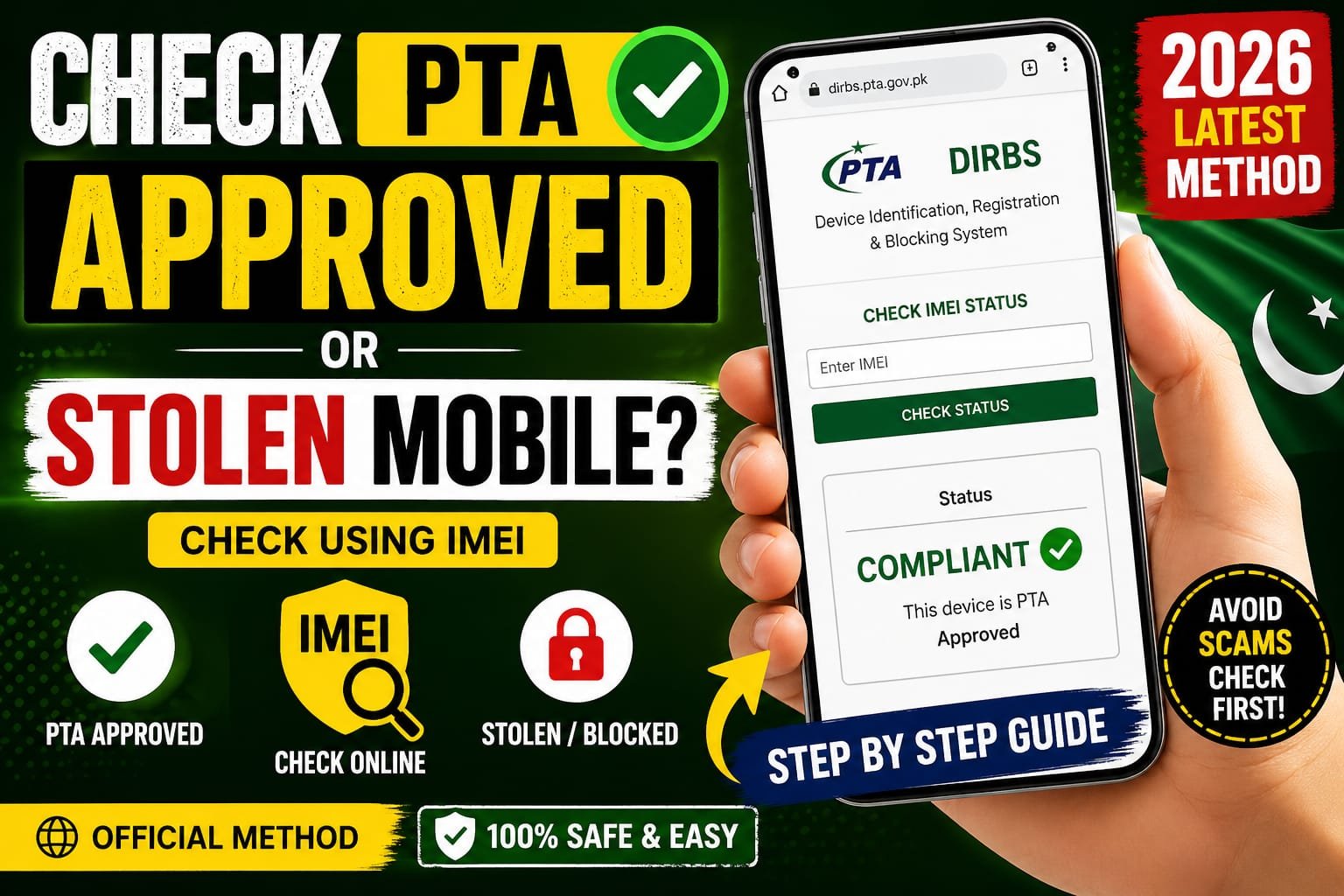

Buying a smartphone in Pakistan can be exciting—but it can also be risky if you don’t verify its status first. Many people unknowingly purchase non PTA approved or even stolen phones, only to face network blocks later. The good news? You can easily check whether a mobile is PTA approved or stolen using its IMEI number in just a few minutes.
In this complete 2026 guide, you’ll learn the official and safest methods to verify your device step by step.
What is IMEI and Why It Matters?
IMEI stands for International Mobile Equipment Identity. It’s a unique 15-digit number assigned to every mobile device. Think of it as your phone’s fingerprint no two devices share the same IMEI.
Why IMEI is Important:
- Helps identify your phone on mobile networks
- Used by authorities to track stolen devices
- Required to check PTA approval status
- Prevents illegal or smuggled phones from operating
What is PTA Approval?
PTA (Pakistan Telecommunication Authority) regulates mobile devices through the DIRBS (Device Identification Registration and Blocking System).
Key Points:
- PTA-approved phones work on all Pakistani networks
- Non-approved phones may get blocked after a certain period
- Approval ensures your device is legally imported or registered
How to Find Your Mobile IMEI Number
Before checking your phone’s status, you need its IMEI number. Here are easy ways to find it:
Method 1: Dial Code
- Open your phone dialer
- Type: *#06#
- Your IMEI will instantly appear
Method 2: Phone Settings
- Go to Settings > About Phone > Status
- Look for IMEI information
Method 3: Box or Receipt
- Check your phone’s original packaging
How to Check PTA Approved Mobile (Official Methods)
1. Check via SMS (Simple and Fast)
This is the easiest method for everyone.
Steps:
- Open your messaging app
- Type your 15-digit IMEI number
- Send it to 8484
Result:
You’ll receive a reply confirming whether your phone is:
- PTA Approved
- Not Approved
- Blocked
2. Check via Official Website (DIRBS System)
For a more detailed check, use the official online portal.
Steps:
- Visit the DIRBS website
- Enter your IMEI number
- Complete the CAPTCHA
- Click Check
Result:
You’ll see your phone’s complete PTA status instantly.
3. Check Using Mobile Apps
There are official and trusted apps that help verify IMEI status quickly.
Popular Features:
- Instant IMEI verification
- Device registration tracking
- Alerts for non approved devices
Make sure you only use official or trusted apps to avoid scams.
How to Check if a Mobile is Stolen in Pakistan
Checking PTA approval is not enough you should also confirm whether the phone is stolen.
Signs a Phone Might Be Stolen:
- Very low price compared to market value
- No original box or invoice
- Seller avoids providing IMEI
Official Verification Tips:
- Use IMEI check via PTA system
- Contact your network provider if suspicious
- Avoid buying from unknown sellers
What Happens if Your Phone is Not PTA Approved?
If your device is not PTA approved:
Possible Outcomes:
- Temporary network access (limited time)
- Permanent SIM block after deadline
- No access to local mobile networks
Solution:
You can register your device through PTA by paying applicable taxes.
Pro Tips Before Buying a Used Mobile
To stay safe and avoid loss, follow these practical tips:
Always Do This:
- Check IMEI before purchasing
- Match IMEI on phone and box
- Ask for original purchase receipt
- Buy from trusted shops or sellers
Avoid This:
- Deals that seem too good to be true
- Phones without documentation
- Sellers refusing IMEI verification
Common Mistakes People Make
Even experienced buyers make errors. Here are a few to avoid:
- Ignoring PTA verification before purchase
- Assuming all imported phones are approved
- Trusting verbal claims without proof
- Skipping stolen status check
Conclusion
Checking whether a mobile is PTA approved or stolen in Pakistan is no longer complicated. With just an IMEI number, you can verify everything within minutes using SMS, the official DIRBS website, or trusted apps.
In 2026, smart buying means safe buying. Always verify before you pay because a few seconds of checking can save you from losing thousands of rupees and dealing with blocked devices.